Sign Up & Login
This guide walks you through creating a Servala account and logging in to the portal.
Creating an account
-
Navigate to portal.servala.com and click "Sign in or Register".
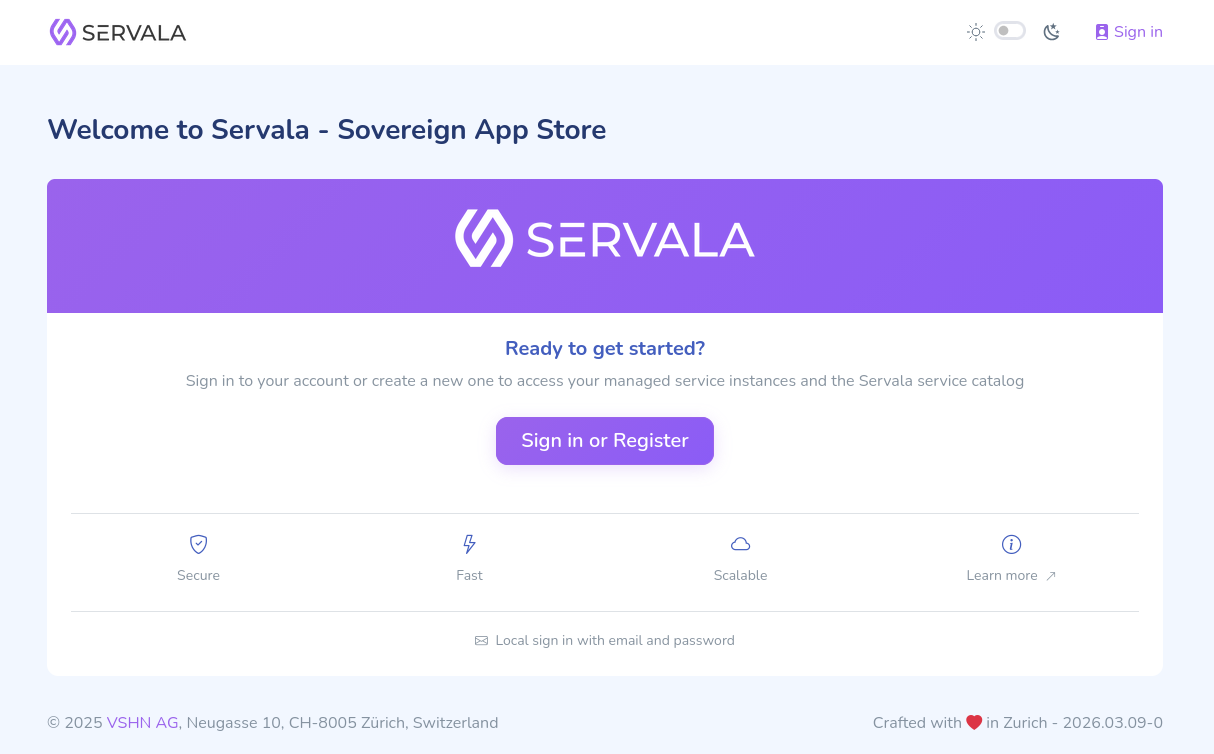
-
Click Don't have a VSHN Account? Register to create a new account.
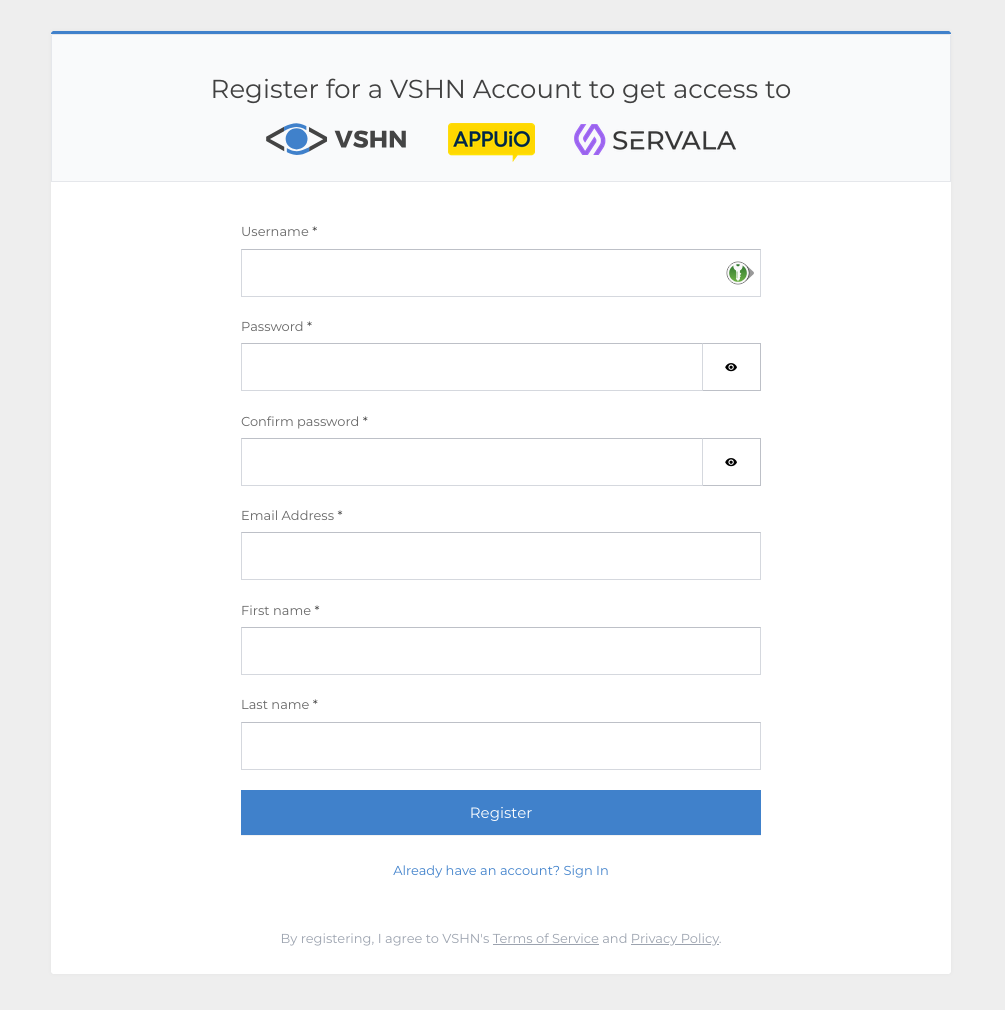
-
Fill in the required fields like Username, Password, Email Address, First name and Last name.
-
Verify your email address by clicking the link in the confirmation email.
-
Log in with your new credentials.
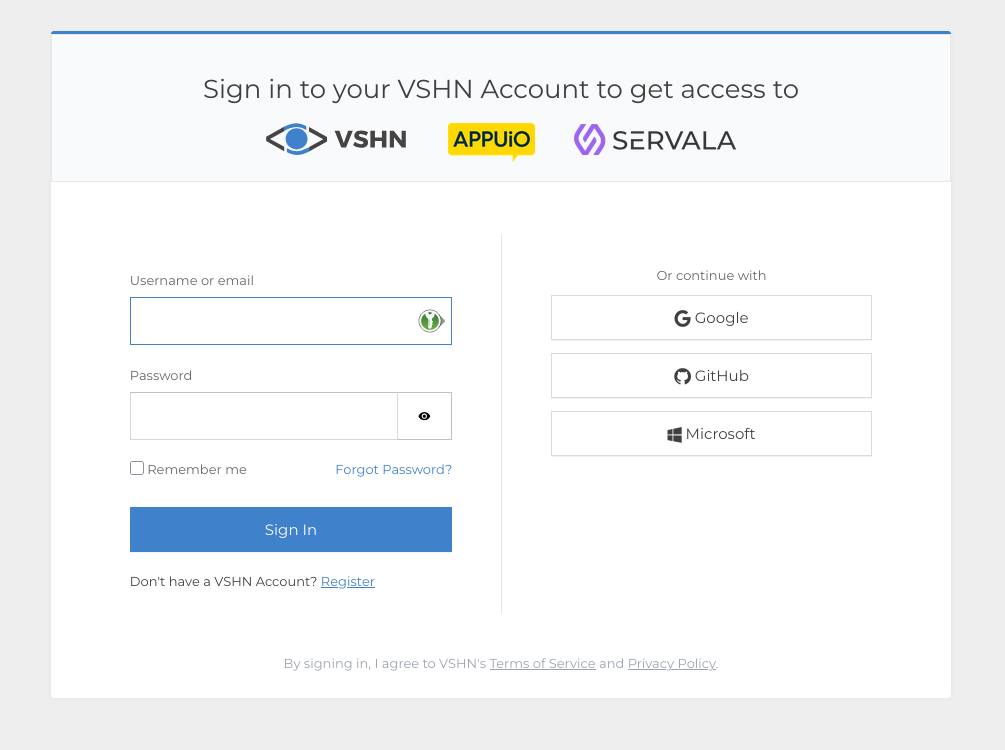
Creating your first organization
After logging in for the first time, you'll need to create an organization. Organizations are the top-level container for all your services and team members.
- Click Create Organization on the dashboard.
- Enter the requested information.
- You'll be set as the Owner of the organization.
Once your organization is created, you'll see the portal dashboard.
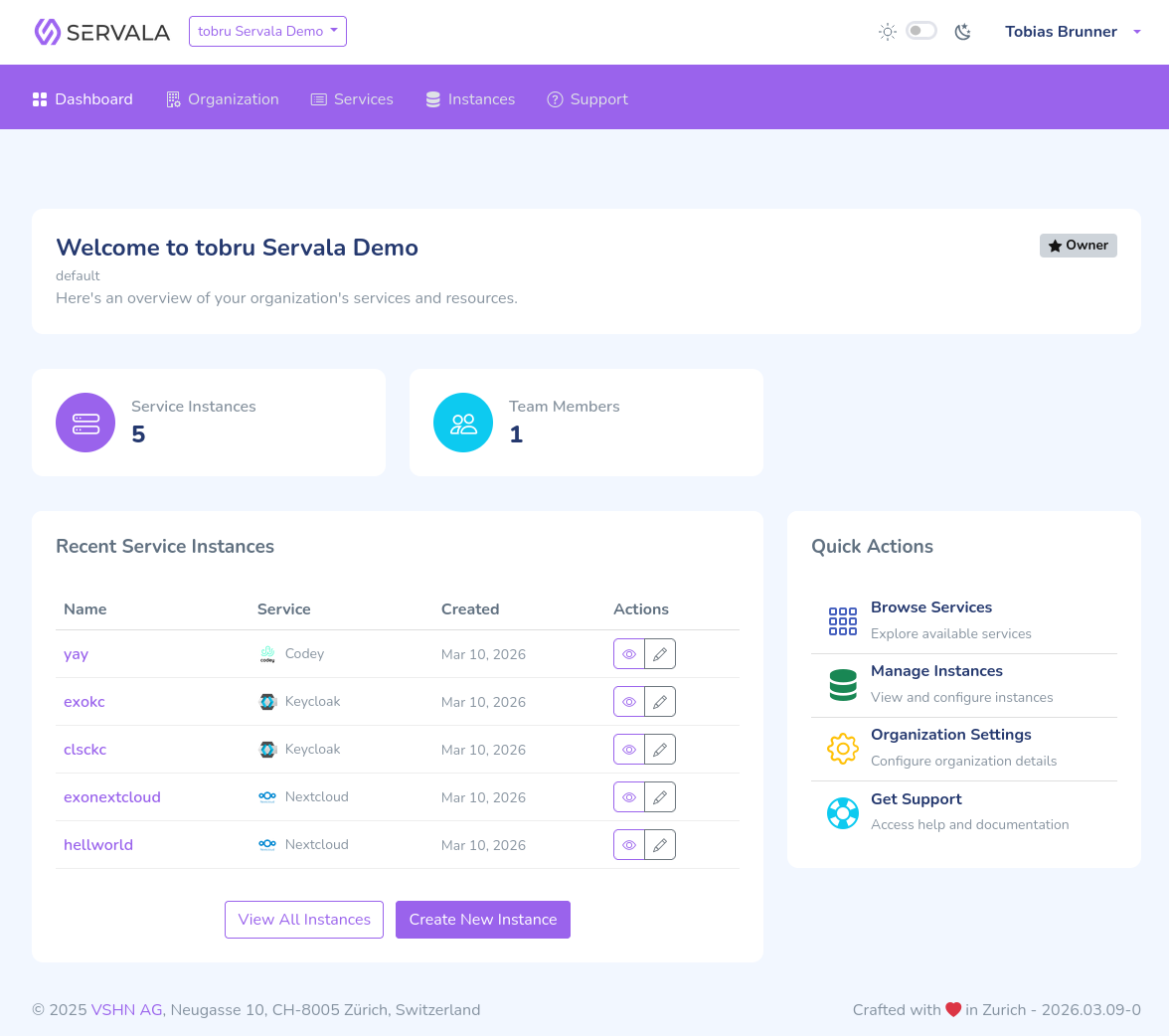
Organization approval
Depending on how you sign up, your new organization may need to be reviewed by our team before it becomes active. This is a quick manual check on our side, not something you need to prepare for.
- If approval is needed, your organization is submitted for review right after you create it. Instead of the dashboard, you see an "awaiting approval" screen. Nothing is provisioned and no billing records are created yet. The organization owner receives an email once the review is done, which usually happens within one business day. After approval, the organization becomes fully usable and you can start provisioning services.
- If approval is not needed (for example when you use a signup path or voucher that skips it), your organization is active immediately and you go straight to the dashboard.
One pending organization at a time
While an organization of yours is awaiting approval, you cannot submit another one. Wait for the first to be reviewed before creating a new organization.
If your organization is on a trial, see Trial Period for what to expect regarding validity and expiration.
Next steps
You're ready to provision your first service. Head to Your First Service.